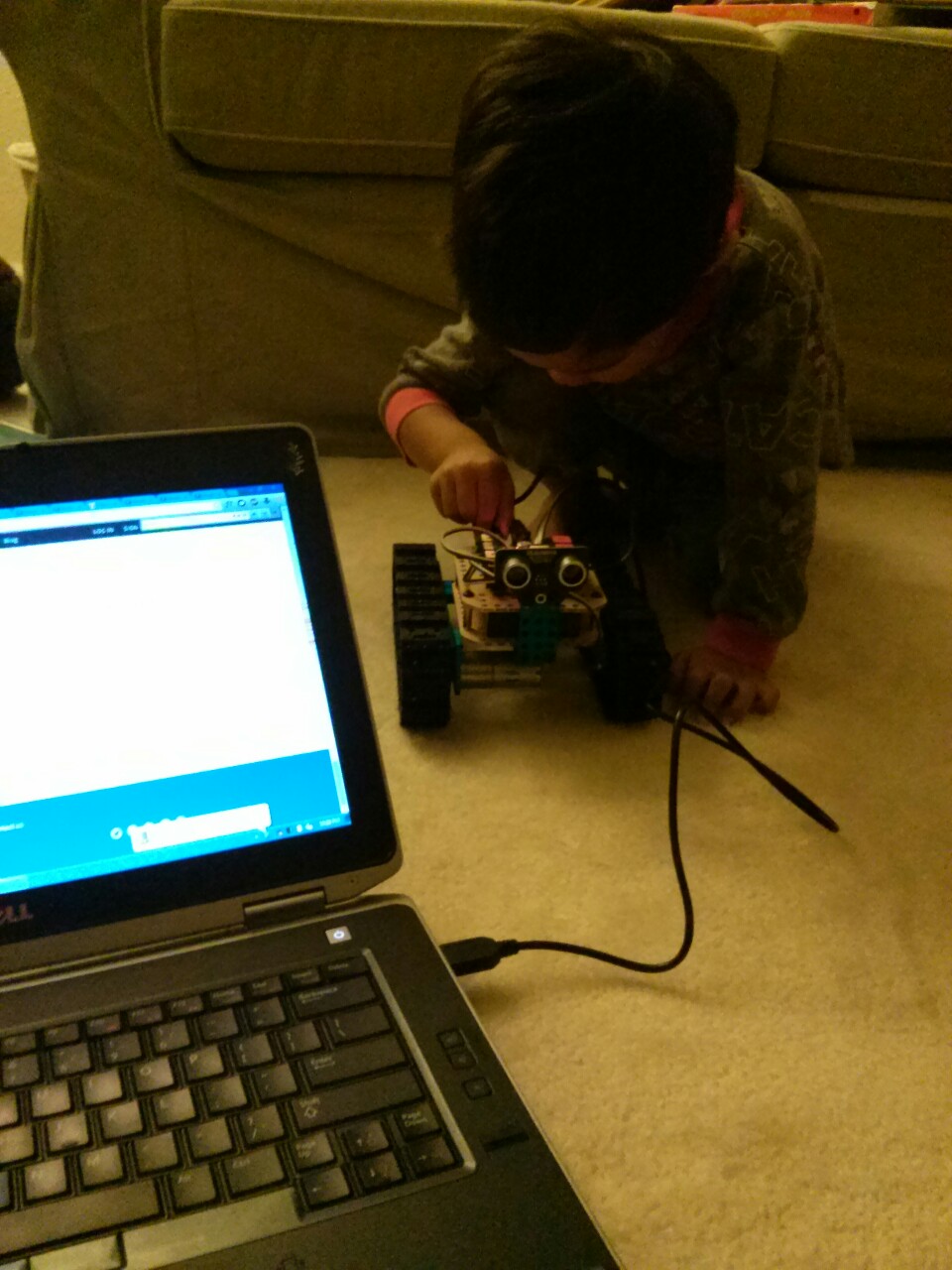
 But it did not work[/caption]
Uh oh, we’re missing the brain bucket https://www.youtube.com/watch?v=26mYdL1sm08
The plastic rivets in the kit were a pain. Too small for my fingers. I fumbled for a long time and it wasn’t something you could help with. Finally it was time to put on the eyes. https://www.youtube.com/watch?v=Yj8WudD7XXk
Then you tried connecting the batteries to the brains. Beep! https://www.youtube.com/watch?v=FSeIZuw0Xvk
Then we connected the brains to the eyes https://www.youtube.com/watch?v=fNljRO6vXgw
[caption id=”attachment_25” align=”alignnone” width=”225”] But it did not work[/caption]
The Arduino IDE upload to the robot failed with a stk500_getsync error.
We really wanted to turn it on. But it was getting late because we went trick-or-treating. So we had to save it for tomorrow.
Update: while you were asleep I figured out that I was following old instructions and using and old driver. The Makeblock websites were probably outdated in a few places. E.g., the old one said to select Arduino Uno. But what worked was using the Arduino Leonardo driver and choosing Arduino Leonardo as the board in the IDE. I uploaded the “Blink” test and the blue blinking LED was glorious. Then I tested the DC motors. One track spun the wrong way so I reversed the wires. Now both tracks spun forward with the Forward instruction as they should. The motors were wimpy because it looks like the batteries didn’t come pre-charged. So pop them in the charger, and I spent some time “child-proofing” the structure for j. A few twist-ties helped secure the brain bucket from tugging and snatching. We are ready for tomorrow. I didn’t want to introduce all these extra complications for you tomorrow; I wasn’t sure if I would lose your attention. But maybe I’m not giving you enough credit and I should have?